The Nature Of Code in BASIC256 - Content
Randomness, Gaussian distribution and Perlin Noise
Randomness
Now, Basic256 already comes with a nice random function rand. This function generates (psuedo-)random numbers between 0 and 1. Consequent numbers however bear no relation to each other. Again, I would refer to the original site for deeper detail
Plotting a 1D graph of consecutive random numbers gives what best can be called static or white noise. (a 2D graph would look like 'snow' on old TV sets). Although very much random, you can however create the same range of random numbers every time you run the program by giving the random generator a 'seed'(with the seed() command) .
You can see the 1D result of plotting random numbers by running the following code where we draw a line from one generated number to the next(0-1 sized to screen):
Fastgraphics
width=1000
height=400
graphsize width,height
color black
rect(0,0,width-1,height-1)
oldx=0
oldy= height/2
seed(12345)
#Draw
while 1
  for x = 1 to width-1 step 2
    color black
    rect (x,0,x+4,height-1)
    y= rand*300-150+height/2
    color white
    line(oldx,oldy,x,y)
    oldx=x
    oldy=y

  next x
  if x >= width then x=0
  refresh
    pause 0.08
end while
Feel free to change the stepsize, the random number sizing or the pause (to give nice results depending on your computer - Raspberry Pi or Ryzen 7...) . Try to work in 2D... Experimenting is fun!)
Random Noise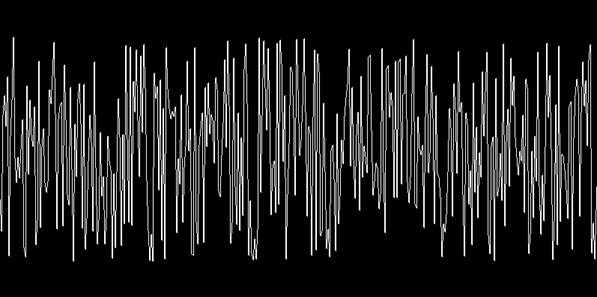
A Normal Distribution of Random Numbers
A normal distribution of random numbers is a distribution where the random numbers 'cluster' around an average value (the mean) with a certain variance. These are called Gaussian numbers.
As can be seen from the graph, there are not as many samples that approach the maxima and minima as in the BasicNoise graph
As this is based on the rand() function, you can create the same range of random numbers every time you run the program by giving the random generator a 'seed'(with the seed() command) .
Gaussian Distribution
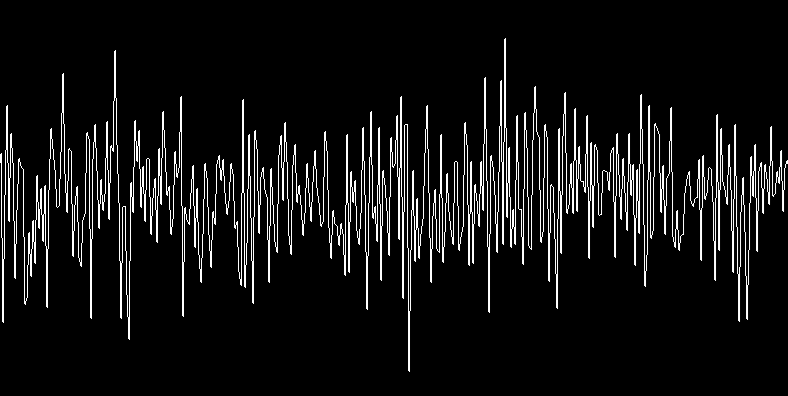
Plotting a barchart of hundreds, thousands of consecutive Gaussian random numbers gives a typical Bell curve. You can see several iterations of calculating a full set by running the following code:
Gaussian Distribution BarchartPerlin noise
What is Perlin Noise? Well, according to Wikipedia, Perlin noise is a type of 'gradient noise' developed by Ken Perlin in 1982. It has many uses, including but not limited to: procedurally generating terrain, applying pseudo-random changes to a variable, and assisting in the creation of image textures.
To be fair, in the beginning the actual math behind it didn't mean a lot to me. The best explanation for me would be the one from Daniel Schiffman himself in the Coding Train episode about Perlin Noise. The easiest explanation start around minute 7.
That was the original idea behind the method I used for a Perlin Noise experiment that I coded around 2012-2013 for my BTK2 Demo program "Perlin Mountains"
Now, unfortunately there is no built-in Perlin Noise function in Basic256, which means one has to write ones own, so that's what I and my good friend ChatGPT did. This cooperation (hey, I did write the prompt!) resulted in 2 Basic256 functions Perlin1D(t) and SinglePerlin(t). The single biggest advantage is that you can generate a continious range of Perlin Noise and are not limited (as I was) to Perlin Noise in a given range
The simple Perlin Noise algorithm can be used by everyone, but the follow-up Simplex Noise algorithm (also by Ken Perlin) was granted a patent. Simplex Noise has fewer directional artifacts, works in higher dimensions and has a lower computational overhead. Kurt Spencer then developed OpenSimplex Noise to overcome the patent-related issues. Still other noise generators exist like Fractal Noise and Worley (Voronoi) Noise. Here, we'll use the simple Perlin Noise algorithm
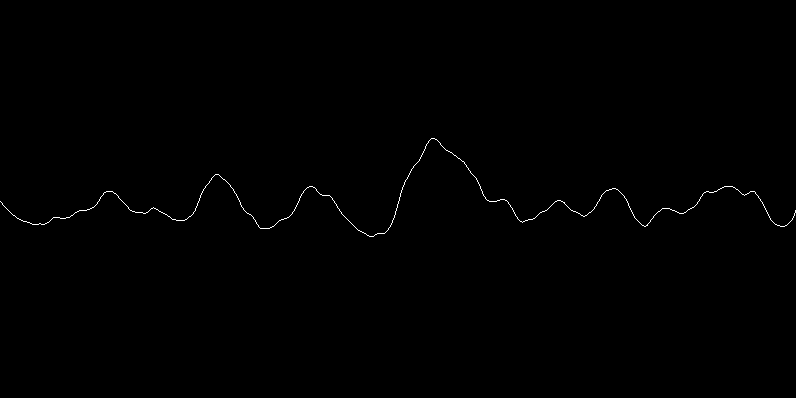
The image and the video start of with the same 'range' since in both programs, the seed is set to the same fixed value
Random and Perlin Noise 'Walkers'
We can extend both random and Perlin noise into the 2D plane by creating a 'Walker', an object (ie a circle) that has an initial position px,py to which we add a velocity (speed) sx and sy. The values for both sx and for sy would either be random noise values or Perlin noise values (upscaled a bit since both provide values between 0 and 1)
As one would expect the Random noise Walker would move pretty 'jittery' while the Perlin noise Walker would seem to move in a more fluid way. The RandomNoise Walker moves faster due to the PerlinNoise Walker having the additional overhead of calculating Pelin Noise values
You can see the difference by running both programs:
2D Perlin Noise Clouds'
While the 'Walker' objects are simply points moving over a 2D plane, Perlin Noise really comes into its own when using it for procedural textures.
For 2D Perlin Noise however, we need another set of functions, here called Perlin2D, SinglePerlin2D and some helper functions (Thanks ChatGPT) With these, we get a single Perlin Noise value for each (x,y) point in the plane.
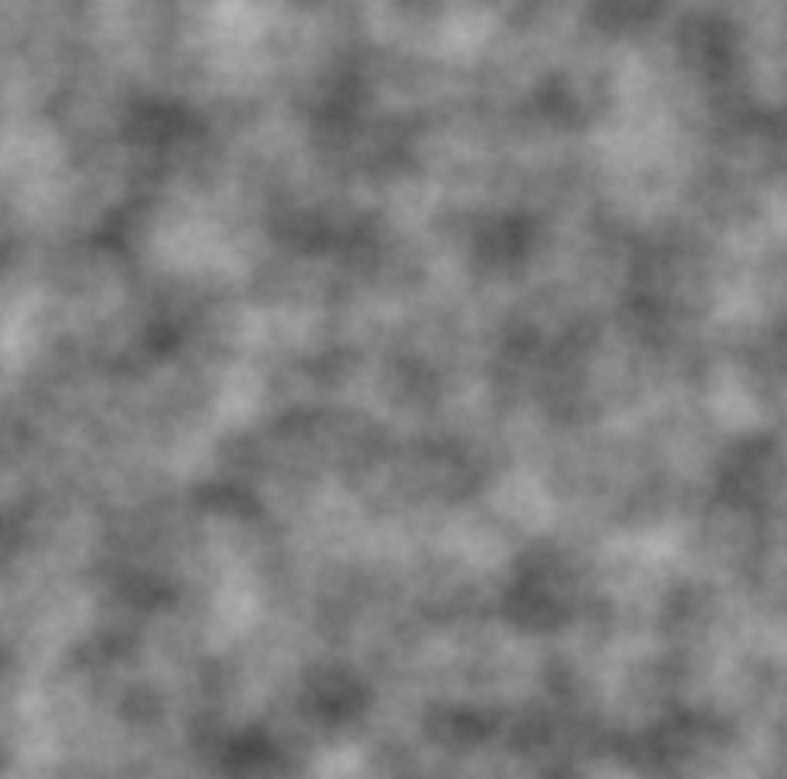
We then tranform the Perlin2D value (still between 0 and 1) into a color value by multiplying it by 255. Unfortunately, as these functions are not built in and so have to be executed in slow interpreted Basic, all these calculations take quite a bit of time...
Perlin Noise texture
After a couple of seconds we then get the following result:
Next up:
Chapter 2: Bouncing Balls (Originally called 'Vectors', but BASIC256 does not have vectors...)